Your technician is on a roof at 2 PM. Someone calls about an AC unit that stopped working in July. Nobody picks up. That lead googles the next HVAC company on the list and books with them by 2:15.
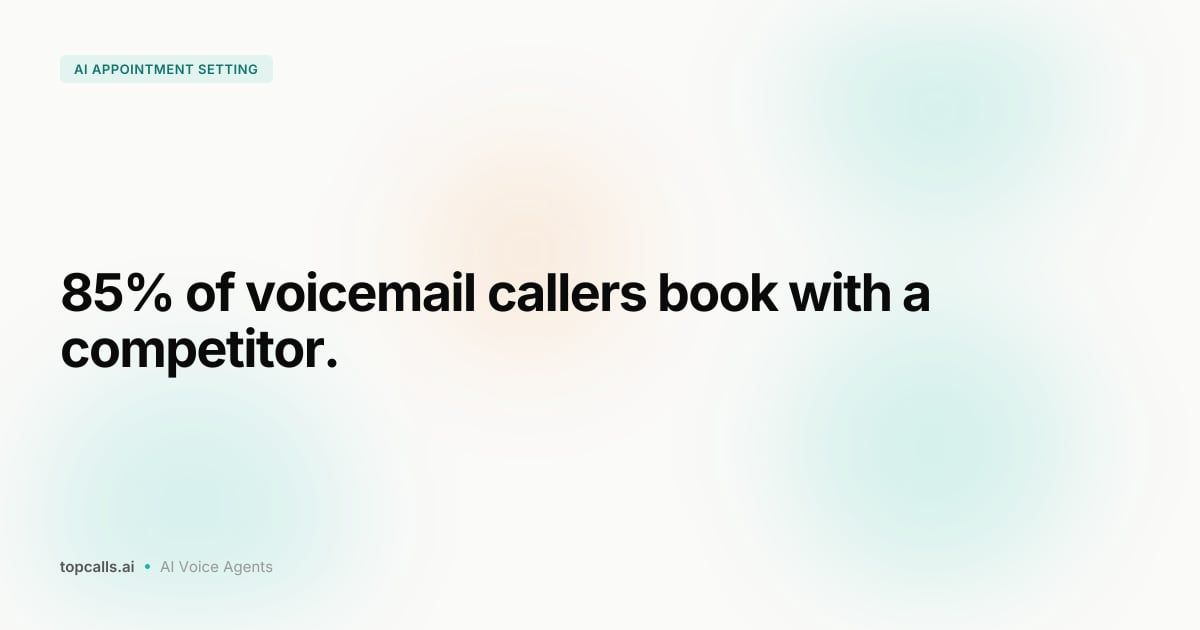
Home service businesses miss between 27% and 62% of inbound calls every day, and 85% of callers who hit voicemail don't leave a message. They just leave. AI appointment setting for home services closes that gap by answering every call, qualifying the job, and booking the time slot without a human in the loop.
This playbook covers the exact setup for HVAC, solar, and roofing companies, from configuring job-specific qualification questions to handling post-storm call surges at 11 PM on a Sunday.
1. Why Home Services Bleed Leads to Voicemail
If you run a 4-truck HVAC company and your connect rate is 40%, you're losing 6 out of 10 people who call. Some book with a competitor the same day. The rest forget you exist by tomorrow morning.
Three things drive this:
- Technicians are busy. Your best people are on roofs, in attics, or in crawl spaces. They can't stop mid-job to take inbound calls, and your front desk drowns during peak season.
- Speed to lead kills conversion. You're 9x more likely to connect with a new lead if you respond within 5 minutes. Most home service businesses respond in 4 to 8 hours.
- After-hours calls go nowhere. Emergency HVAC calls happen at midnight. Hail storms trigger roofing inquiries on Sunday afternoon. Solar consultations happen when homeowners finally have 20 minutes after the kids are in bed. None of that fits your front desk schedule.
AI appointment setting handles all three by answering every call in under 500ms, qualifying the job, and booking directly into your calendar around the clock. See how our AI appointment setting solution works in practice.
2. How AI Appointment Setting Works for HVAC, Solar, and Roofing
The AI answers inbound calls just like a receptionist. It introduces itself by company name, collects the homeowner's name, address, and phone number, asks job-specific questions, and books a time slot directly in your calendar. No phone trees. No "press 1 for service, press 2 for sales." A natural conversation that runs 2 to 3 minutes.
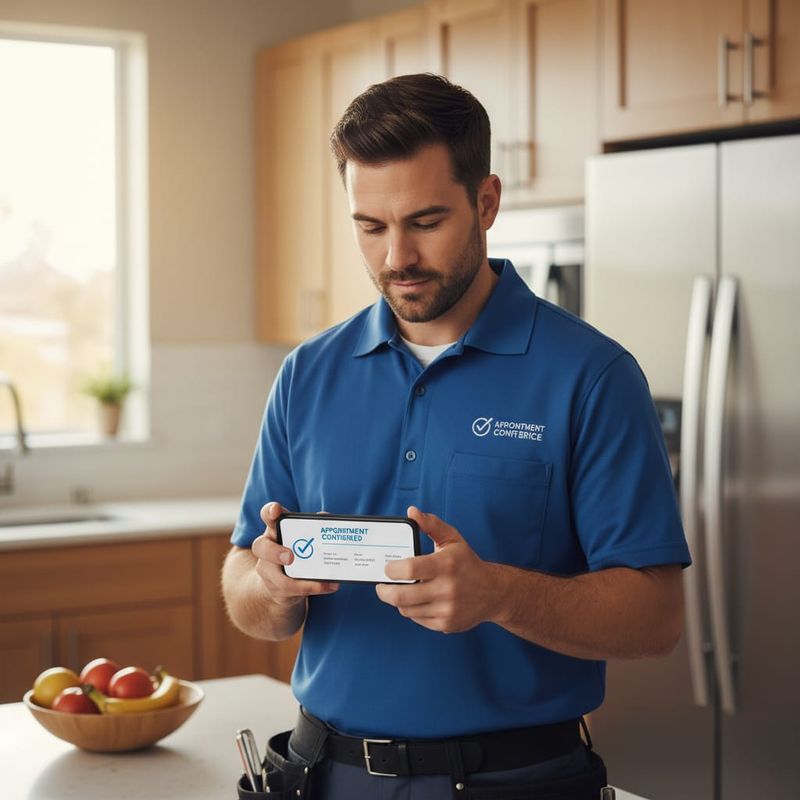
After booking:
- The lead's information goes into your CRM automatically
- Your technician gets a notification with job type, address, and call notes
- The homeowner gets a confirmation text or email with the appointment details
- If they don't show, the AI calls to reschedule rather than leaving the slot empty
TopCalls processes 63,000+ AI calls per day. The sub-500ms response latency means the conversation feels natural, not robotic. And because the AI connects to Google Calendar, Cal.com, and Calendly, your team sees every booking in the tools they already use.
3. Step 1: Set Up Your AI Agent for Inbound Calls
You don't need an IT team. Setup takes about 15 minutes from first login to first live call.
Connect your business phone number to the AI platform, either as a new number or via call forwarding on your existing line. When someone calls, the AI picks up instead of your voicemail. If you run multiple locations, each location gets its own AI agent with location-specific details, service areas, and hours.
Give the AI your company name, the zip codes you serve, and your operating hours. If you cover specific territories, the AI asks for the caller's address upfront and politely declines out-of-area callers, or refers them to a partner if you have one.
The introduction sounds like: "Hi, thanks for calling [Company Name]. I'm your scheduling assistant. What can I help you with today?" You control the tone, pacing, and personality through system prompts that your TopCalls account team configures with you on the first call.
See how AI voice agents work and what you can customize for your specific trade.
4. Step 2: Configure Job-Specific Qualification Questions
Generic intake questions ("can I take your name and number?") miss the point. You want the AI to collect the information your technicians actually need before they ever leave the shop. Here's how that breaks down by trade:
- HVAC: System type (heat pump, furnace, central air), age, symptoms (no heat, not cooling, strange noise), and whether it's a repair or new installation. This gets the right tech dispatched with the right parts.
- Solar: Roof type (shingle, tile, metal), approximate square footage, average monthly electricity bill, and whether they own or rent. Homeowners and renters are a completely different sales conversation.
- Roofing: Type of damage (storm, active leak, missing shingles, full replacement estimate), age of the current roof, and urgency level. Separates true emergencies from jobs that can wait a week.
These qualification questions cut wasted site visits. You stop dispatching a full crew to a "roof inspection" that turns out to be a gutter cleaning call, or sending a senior tech to a simple HVAC filter check.
For more on building effective qualification flows, see our AI appointment setting system guide and the AI cold call script templates that cover structuring these flows end to end.
5. Step 3: Connect Your Calendar and CRM
The AI books directly into your calendar, no human in the middle. You set your availability windows (say, 8 AM to 5 PM Monday through Friday, blocked on Wednesday mornings for team meetings). The AI only offers times that are actually open.
Supported calendar integrations include Google Calendar, Cal.com, and Calendly. For field service dispatch, Zapier connects the AI platform to ServiceTitan, HouseCall Pro, or any other FSM tool in under 10 minutes, passing job type, customer info, and address automatically.
On the CRM side, every call creates or updates a contact record in HubSpot, Salesforce, Pipedrive, or Close. The call outcome, job type, homeowner's address, and conversation notes all log automatically. Your team opens HubSpot on Monday morning and the weekend's calls are already there.
If your team uses both a CRM and a field service tool, connect both. The AI passes data once; the integrations handle syncing everything else.
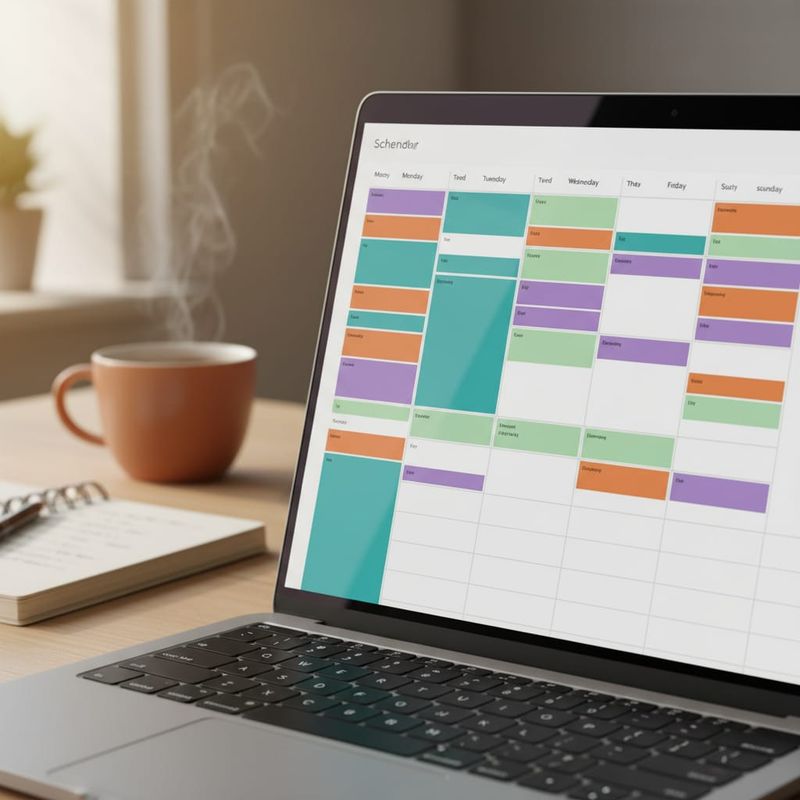
See all CRM and calendar integrations available.
6. Step 4: Set Up Smart Follow-Up Sequences
Most booked appointments need a touch or two before the technician shows up. The AI handles all of that automatically.
After booking, the platform sends a confirmation text immediately, a reminder 24 hours before the appointment, and a day-of message when the tech is heading over. No-show rates drop by 60% with this three-touch sequence alone.
If a caller hung up before booking, the AI attempts a callback within a few hours while the lead is still warm. If someone books and then cancels, the AI calls to reschedule rather than leaving that slot empty and the lead cold.
80% of closed deals need 5 or more touchpoints before someone says yes. Most home service businesses make one or two follow-up attempts and drop it. AI keeps working through all of them without adding a single task to your team's plate.
Read how automated follow-up sequences for home services work for a complete breakdown of timing and triggers.
Want to calculate what a 60% reduction in no-shows means for your monthly revenue? Run the numbers in our ROI calculator.
7. Step 5: Handle After-Hours Calls and Emergencies
This is where the payoff is clearest for most home service contractors.
Emergency HVAC calls at midnight get answered. The AI qualifies the situation (is there carbon monoxide? Is the system down completely? Is it a comfort issue or a safety issue?), prioritizes accordingly, and either books the next available slot or sends an urgent push notification to your on-call technician.
For roofing companies, post-storm call surges are a real operations problem. When 200 homeowners call within 48 hours of a hail event, your front desk can't keep up without burning everyone out. The AI takes all 200 calls, qualifies each one, and schedules inspections across the next two weeks. Your team shows up Monday morning to a full calendar instead of 200 missed calls.
Solar consultations cluster in the evening. Homeowners research when they have time, usually after 7 PM, and they want answers now, not a callback the next morning. An AI available from 6 PM to 10 PM captures a solid chunk of inbound interest that would otherwise end up on a competitor's web form.
The AI runs 24/7, 365 days a year. No overtime, no holidays, no sick calls.
8. Real Numbers Home Services Companies Are Seeing
The outcomes from AI appointment setting in home services are consistent across trades:
- Connect rate: Going from 38-45% to 85%+ by eliminating missed calls. That improvement typically shows up within the first month.
- Cost per booked appointment: Drops when reception staff shift from routine scheduling to customer service and upsells.
- Revenue per location: HVAC and plumbing companies report adding $6,500 to $7,000 per month by capturing calls they were missing before.
- ROI timeline: 318% ROI within 6 months is the figure Forrester Research cites for AI scheduling automation in service businesses.
TopCalls customers in home services see 60%+ average connect rate improvements. See what that looks like for your team's call volume.
For industry benchmarks on AI calling performance, read our AI cold calling metrics and benchmarks guide.
9. Where AI Appointment Setting Doesn't Work
It's the right fit for most inbound home service calls. But there are cases where it's not.
- Complex commercial bids. A 50,000 sq ft commercial HVAC retrofit needs an engineer walkthrough and a custom scope of work. AI qualifies and routes the call, but the close needs a human.
- Long-term customer relationships. If a homeowner has called your plumbing company 15 times over 20 years and specifically wants to talk to Mike, the AI will frustrate them. Keep a direct line available for your VIP accounts.
- Specialty services requiring in-depth diagnosis. Geothermal systems, solar battery retrofits, complex flat roofing each need a real technical conversation before anyone can quote. AI handles the front door; qualified technicians still need to close the diagnostic conversation.
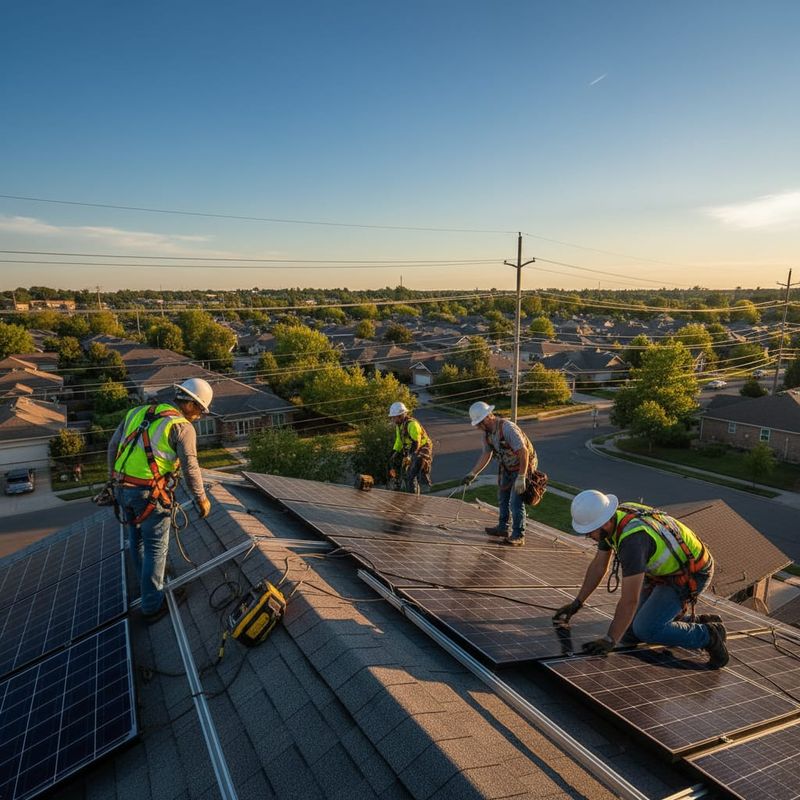
For the 85% of inbound calls that are standard repair requests, new installations, and routine estimates, AI outperforms what any front desk staff can do at scale. And it does it 24 hours a day.
10. Getting Started
Start with inbound call handling. Connect your number, configure the qualification questions for your trade, and link your calendar. That's the core setup, and you can have it running within a day.
After-hours coverage tends to show the fastest ROI. Even capturing 10 additional calls per month that previously hit voicemail can add $3,000 to $5,000 in monthly revenue for a mid-size HVAC or roofing company.
Book a strategy call to see AI appointment setting live, built specifically for HVAC, solar, or roofing. The TopCalls team handles the full setup, connects your CRM and calendar, and has everything live within 2 weeks. No prompt engineering or IT work required on your end.
Also worth reading: SDR cost vs. AI sales agent for the full financial case for switching.
Get AI calling tips in your inbox
No spam. One email per week with actionable sales automation tips.